
GTA 6 Price: How to Check the Official PS5 and Xbox Price
Official GTA 6 prices on the PlayStation and Xbox stores in the US, UK and Canada, why there is no official Pakistani rupee price, and how to judge a seller’s quote.
Welcome to our Gaming Laptop & PC Game Fixes section, for people who just want their games to work. When a launcher won’t open, a game crashes on start-up or a laptop gets loud and hot, our guides walk you through the fixes in plain English, safest steps first.
This category covers Windows 11 gaming problems: game launchers such as Steam that won’t open, games that crash or freeze, graphics driver trouble, and gaming laptops that overheat. Every guide follows the official help pages from Valve, Microsoft and the hardware makers, uses the menu names you’ll see on screen, and warns you before any step that could delete games or affect your warranty.
Steam won’t start? Begin with Steam Not Opening on Windows 11? 10 Fixes, Safest First. It follows Valve’s own troubleshooting order and shows how to repair Steam without losing your games.
NitroSense won’t open or the Nitro key does nothing? Start with Acer NitroSense Not Working on Windows 11? Fixes That Work. It covers the usual Windows 11 fixes and how to check you’re on a patched version.
Checking whether Grand Theft Auto VI is coming to PC or Steam? Our GTA 6 release date and pre-load guide lists only the platforms, unlock times and pre-load storage figures that Rockstar, PlayStation and Xbox have confirmed.
For the official word on a PC edition, a Steam listing and system requirements, see GTA 6 PC official status.
We’re adding new guides regularly, including gaming laptop overheating and games that keep crashing on Windows 11.
Official GTA 6 prices on the PlayStation and Xbox stores in the US, UK and Canada, why there is no official Pakistani rupee price, and how to judge a seller’s quote.
Is GTA 6 on PC or Steam? What Rockstar, PlayStation and Xbox pages say today, why spec tables are unofficial, and how to avoid fake GTA 6 PC downloads.
GTA 6 release date is Thursday, 19 November 2026 on PS5 and Xbox Series X|S. Official unlock times in PKT, PS5 212GB pre-load space, and a rumor check.
Acer NitroSense not working on Windows 11? Match your symptom to the right fix, from a quick lodctr reset to a clean reinstall, plus the Nitro key fix.
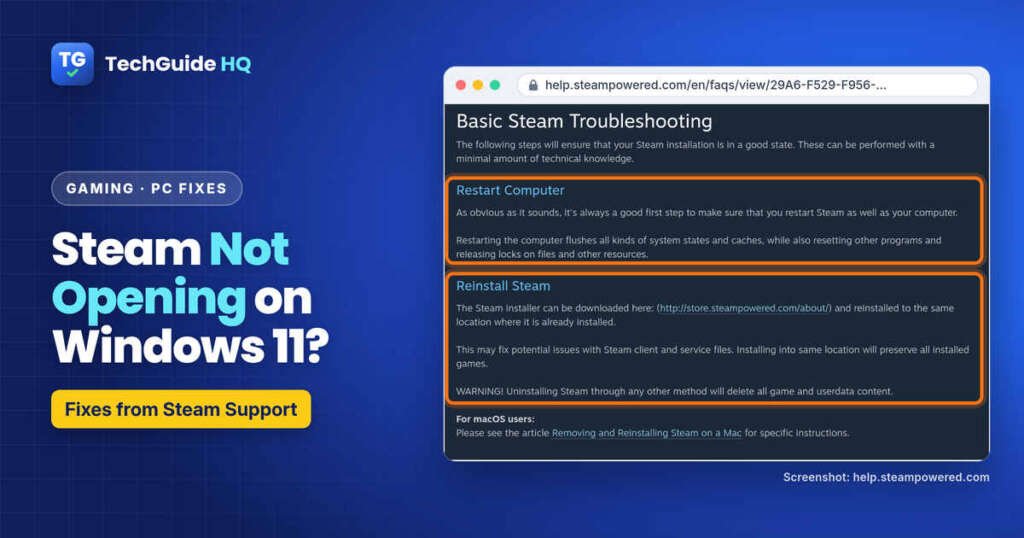
Steam not opening on Windows 11? End stuck Steam tasks, fix steamwebhelper and GPU issues, check antivirus, then reinstall Steam without losing games.