
Practical Tech Fixes for Windows, iPhone & Android
Clear, step-by-step guides in plain English. Every step is checked against official Apple, Google, Microsoft and WhatsApp help pages.
Browse by Topic
📱 Smartphones
iPhone and Android fixes: storage full, battery drain, updates, settings and everyday problems.
💻 Windows & PC
Speed up a slow laptop, fix Windows 11 errors, updates, drivers and settings that just won’t behave.
🌐 Internet & Apps
WhatsApp, Gmail, browsers and popular apps: backups, account problems and step-by-step how-tos.
🔒 Security & Privacy
Leaked passwords, two-step verification, scams and privacy settings: simple ways to keep your accounts safe.
🤖 AI Tools
Gemini, ChatGPT and Copilot explained simply: hide AI buttons you don’t want, control your privacy and use AI safely.
Latest Guides
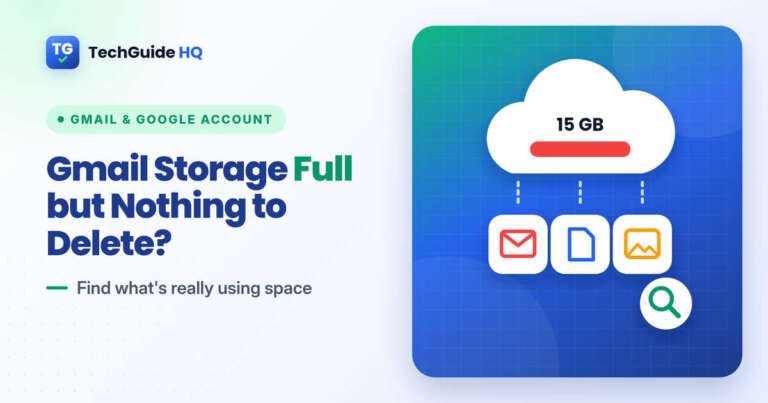
- Gmail Storage Full but Nothing to Delete? What to Check
 Gmail storage full but nothing to delete? Your free 15 GB is shared with Google Drive and Google Photos. Find what’s really using the space, from Trash and All Mail to photo and phone backups, and clear it safely.
- iPhone Hacked Notification on Safari? It’s a ScamGot an iPhone hacked notification on Safari? It’s a scam pop-up, not a real warning. Learn how to close it safely, clear Safari data, remove spam calendars and profiles, and what to do if you already tapped it.
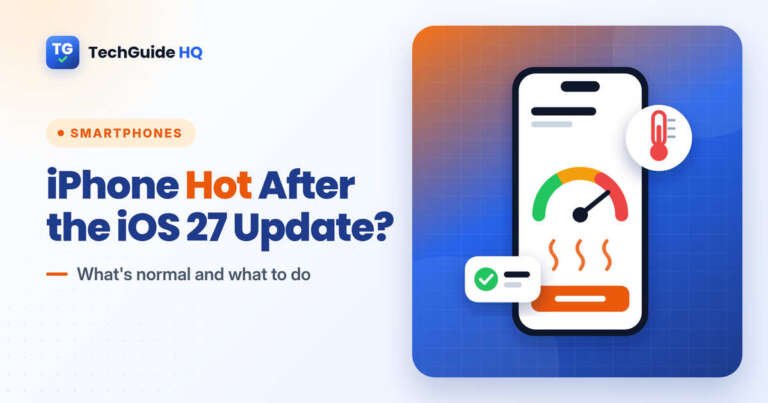
- iPhone Hot After the iOS 27 Update? What to DoiPhone hot after the iOS 27 update? Apple says some warmth is normal while a major update finishes in the background. Here’s how to check what’s causing it, cool your iPhone safely and know when to contact Apple.
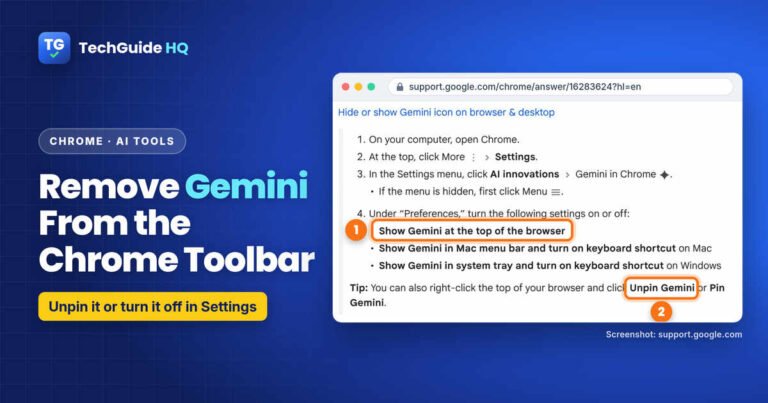
- How to Remove Gemini From the Chrome ToolbarHow to remove Gemini from the Chrome toolbar on Windows and Mac: unpin the Ask Gemini button or switch it off in Settings, plus what hiding it does and doesn’t turn off.
- Gmail App Not Showing All Emails on iPhone? What to CheckGmail app not showing all emails on your iPhone? Find the missing messages with Google’s own steps: category tabs, All mail, an in:anywhere search, sync settings, filters and other email apps.
- CarPlay Not Working After the iOS 27 Update? What to TryCarPlay not working after the iOS 27 update? Work through Apple’s own checks: Siri, Screen Time, cable and wireless settings, forgetting and re-adding your car, and asking your carmaker about a stereo update.
How We Write Our Guides
✍️ Written by a real person
Every guide is written by Abubakar Iqbal, founder and editor of TechGuide HQ.
✅ Checked against official help
Steps are compared with Apple, Google, Microsoft and WhatsApp support pages before publishing.
🔄 Kept up to date
When menus or settings change in a new version, we update the guide and note where steps differ.
Get One Useful Tech Fix a Week
Free, no spam, unsubscribe any time.